Tech Gadgets Co.
WONSDAR Three Lens PTZ IP Camera Outdoor HD Dual Lens WiFi Security Camera Auto Tracking Dual Len Wirelss CCTV Camera iCsee
WONSDAR Three Lens PTZ IP Camera Outdoor HD Dual Lens WiFi Security Camera Auto Tracking Dual Len Wirelss CCTV Camera iCsee
Couldn't load pickup availability
SPECIFICATIONS
AI Functions: Motion Detection
APP: iCSee
Alarm Type: Local Alarm
App name: Other
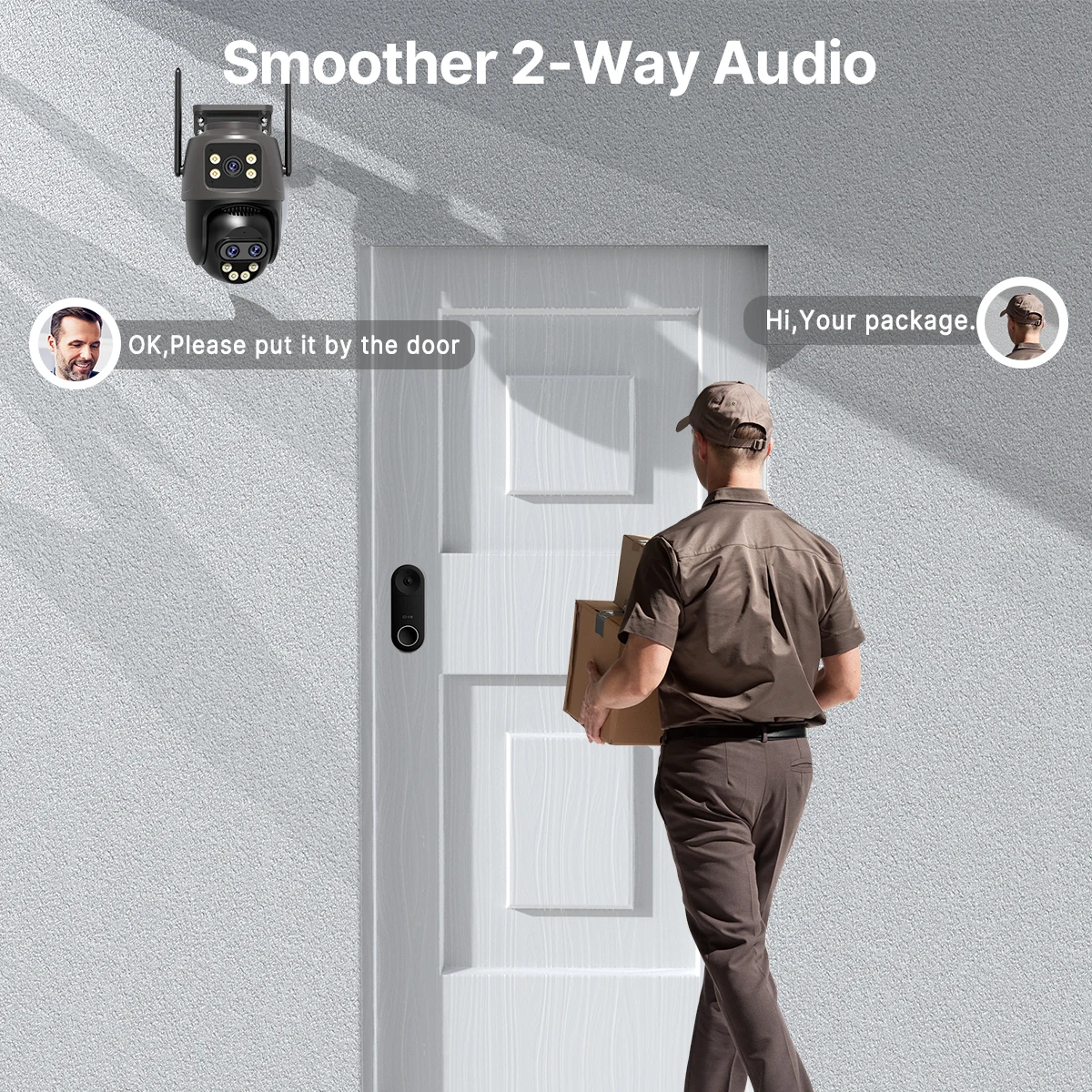
Audio Output: Two Way Audio
Brand Name: Wonsdar
Certification: CE,FCC,RoHS,weee
Choice: yes
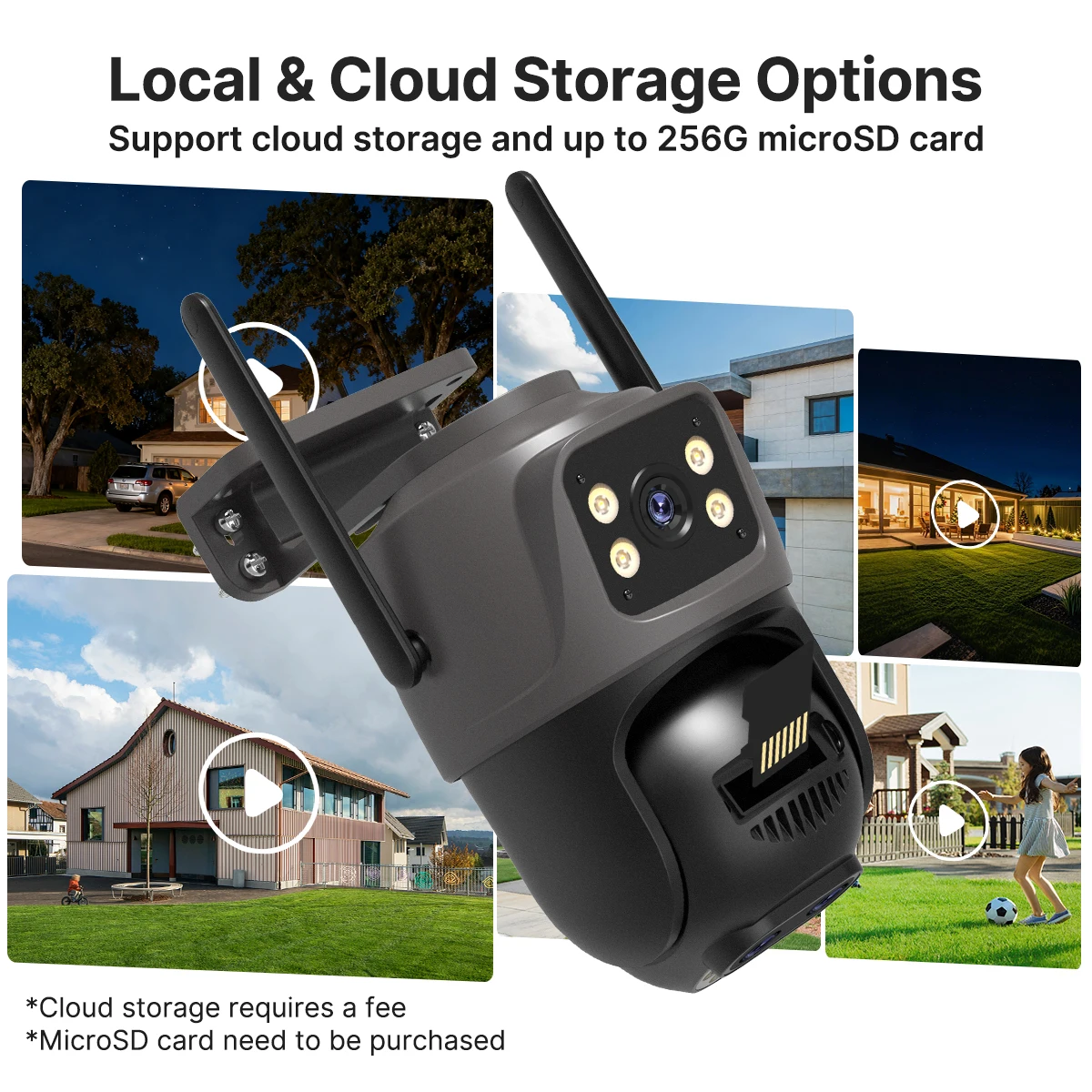
Cloud Storage: Need Pay
Color: black
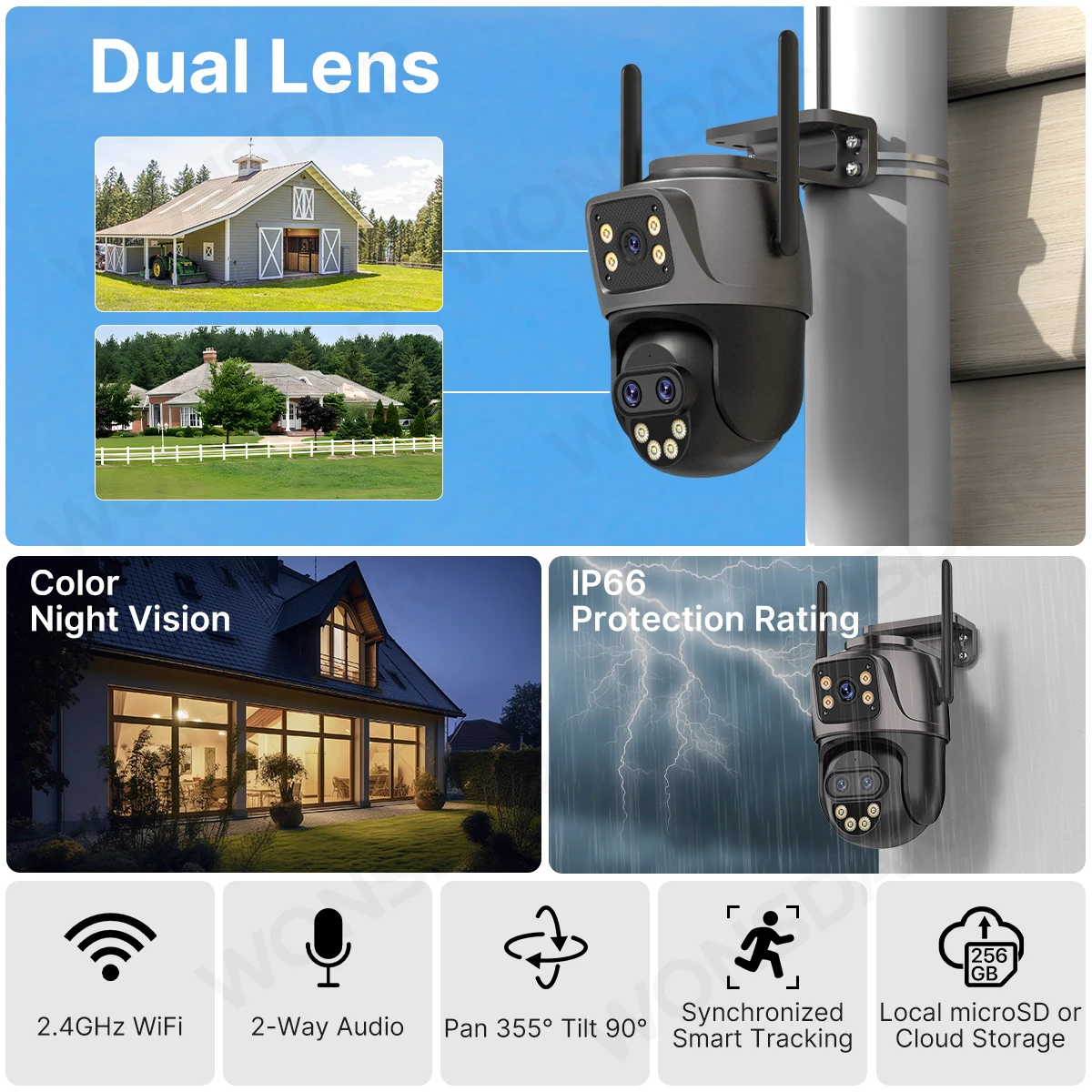
Color Night Vision: Yes
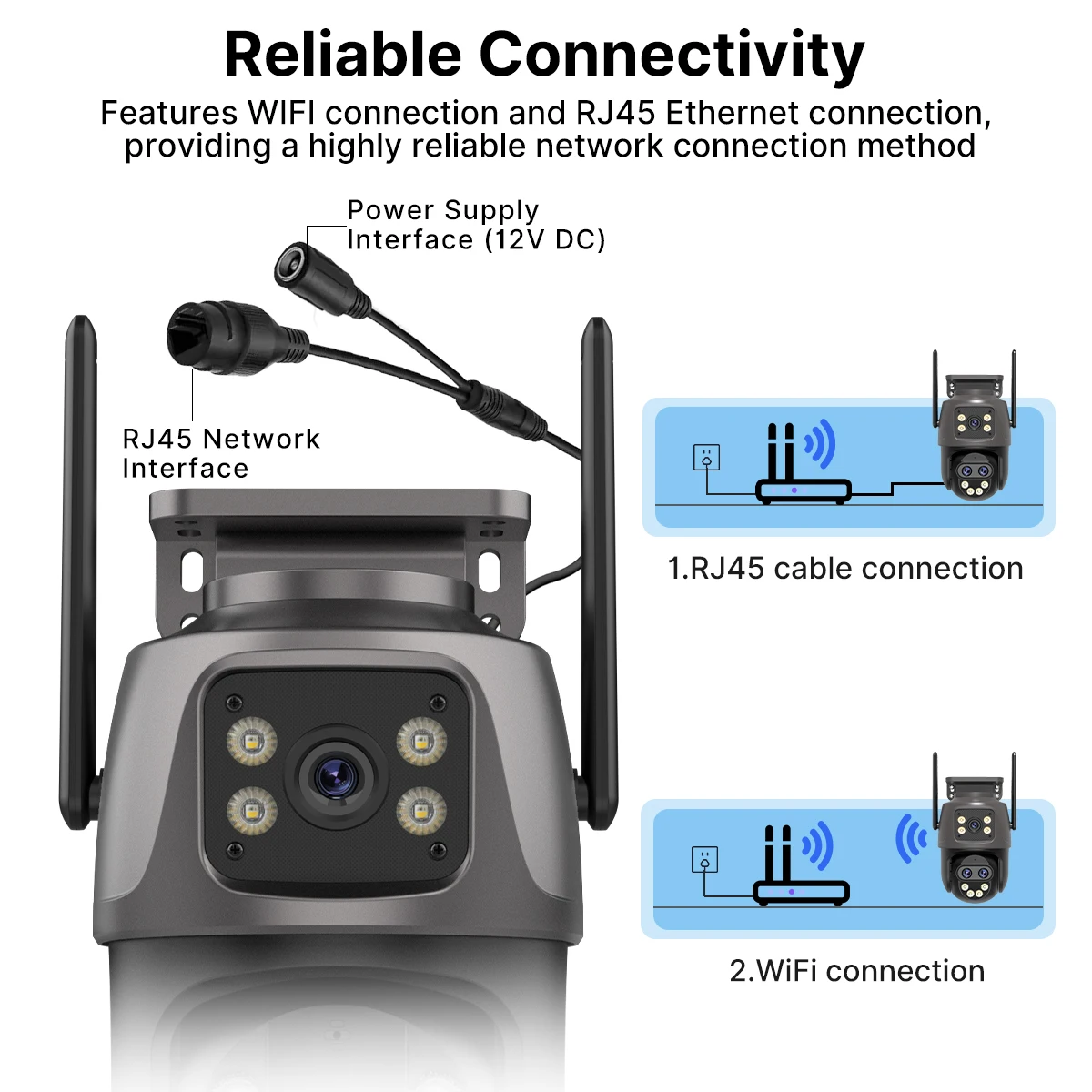
Connectivity: WIFI(2.4GHz),2.4GHz WIFI or RJ-45 Port
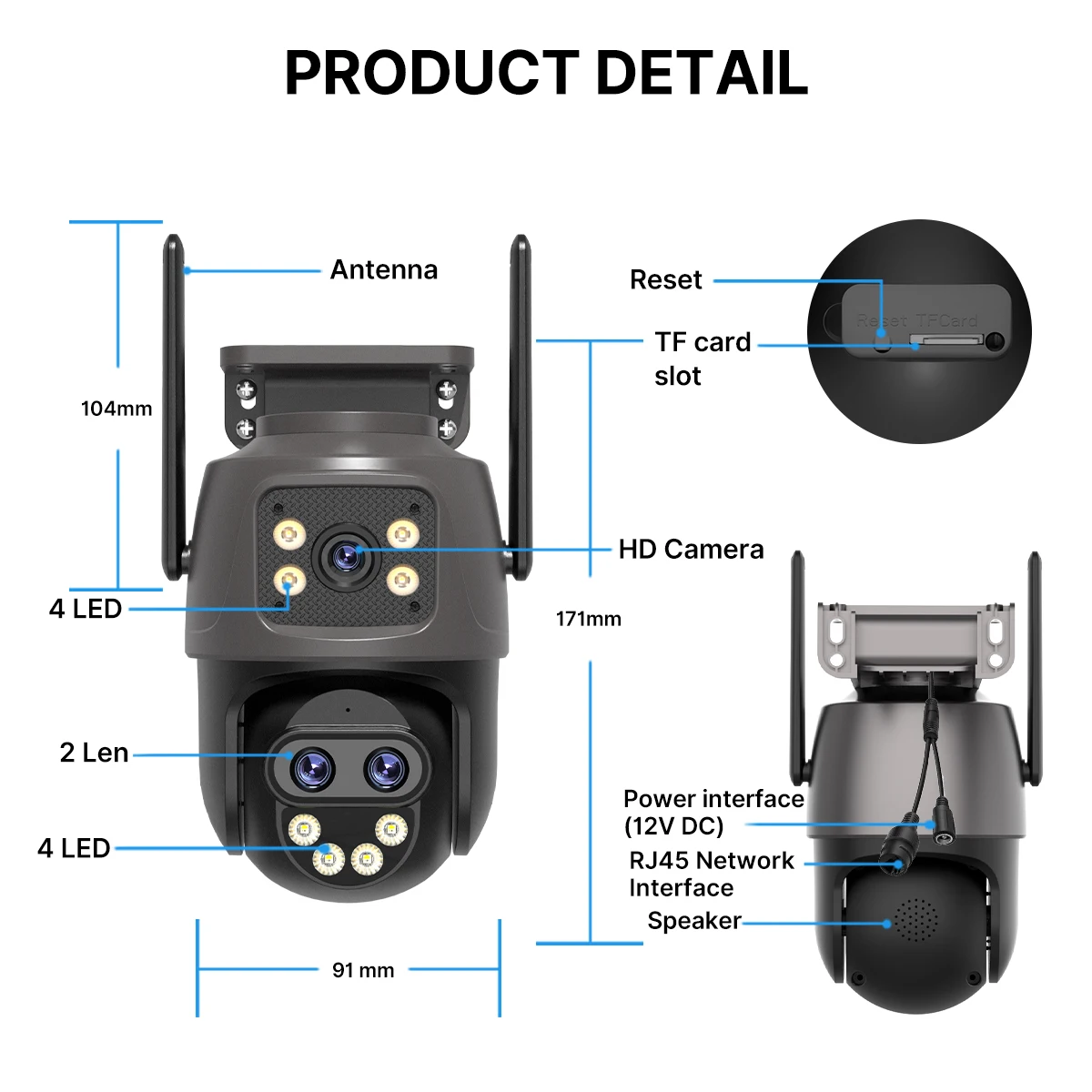
Dimensions (L x W x D)(mm): 180*113*130mm
High Definition: 3.0 Megapixels
High-concerned chemical: None
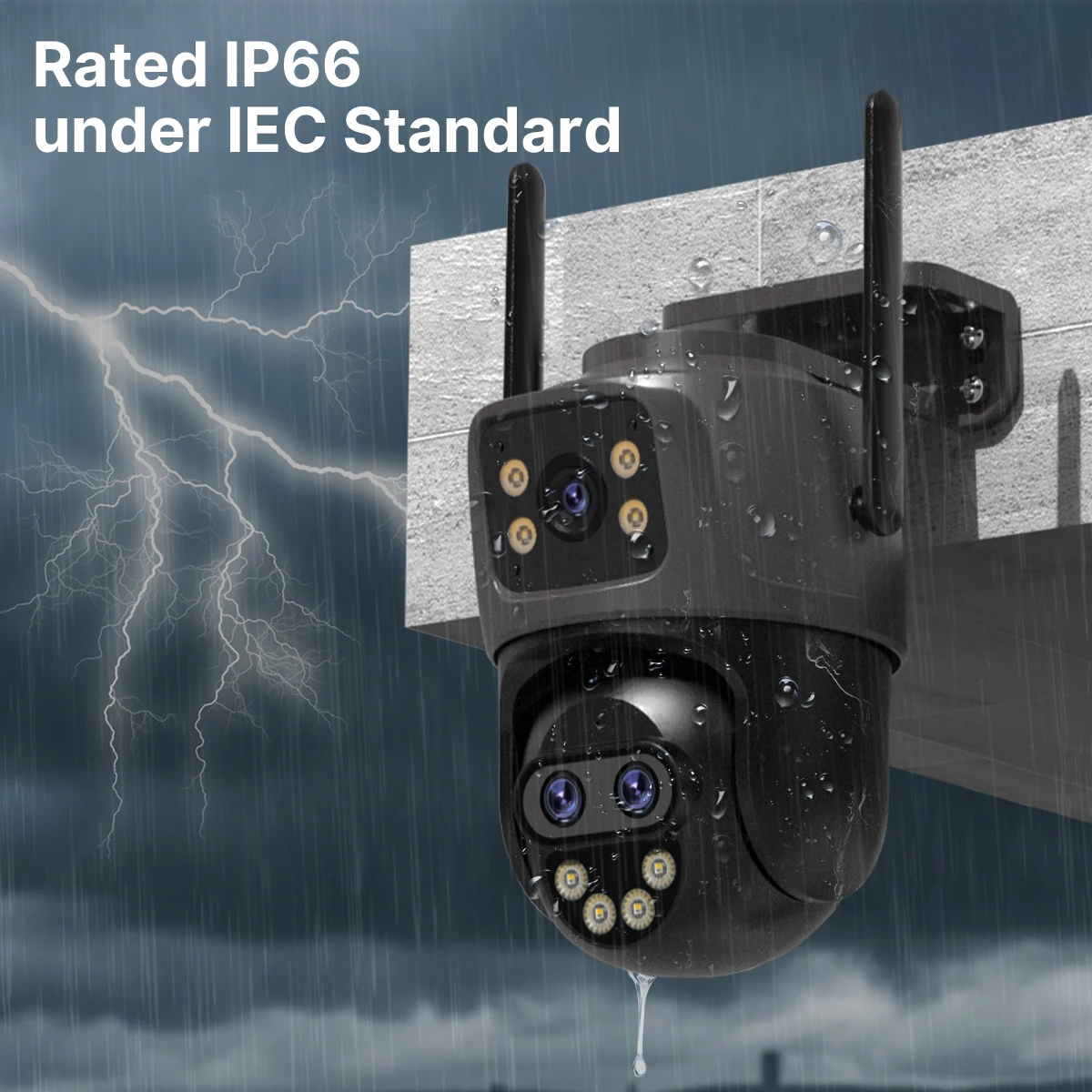
IP Rating: IP66
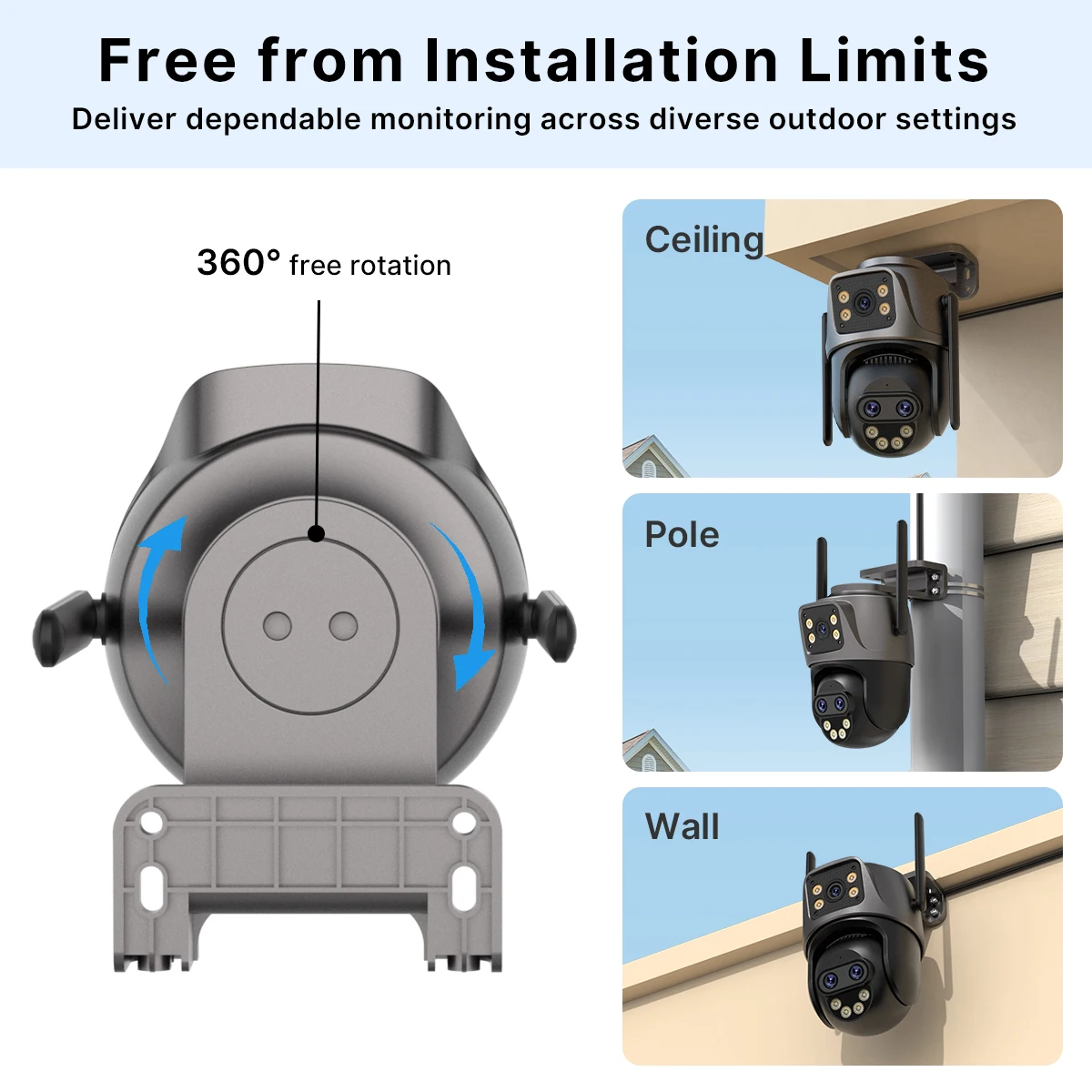
Installation: ceiling,Embedded,Side,Wall Mounted
Internal Storage: None
Lens (mm): 3.6mm
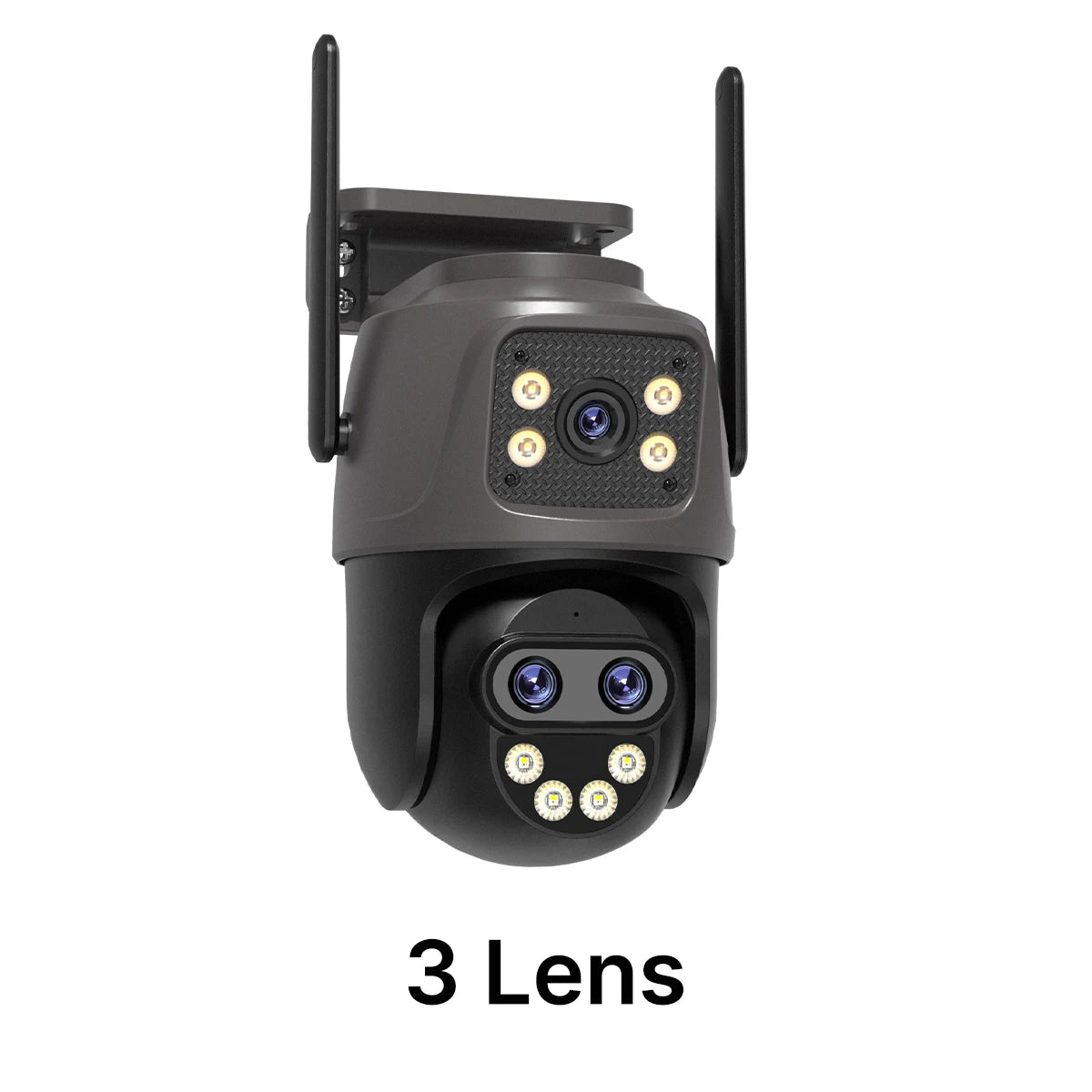
Lens Quantity: Tri-Lens
Megapixels: 3 MP
Minimum Illumination(Lux): 0.01LUX
Model Number: WIFI Camera
Movement Range(Pan): Other
Movement Range(Tilt): Other
Optical Zoom: NONE
Power Consumption(W): 24W
Power Mode: Mains Electricity
Power Source: Normal
Power Supply: Normal
Power Supply(V): DC 12V
Rechargeable Battery: NONE
Rechargeable Battery Capability: Other
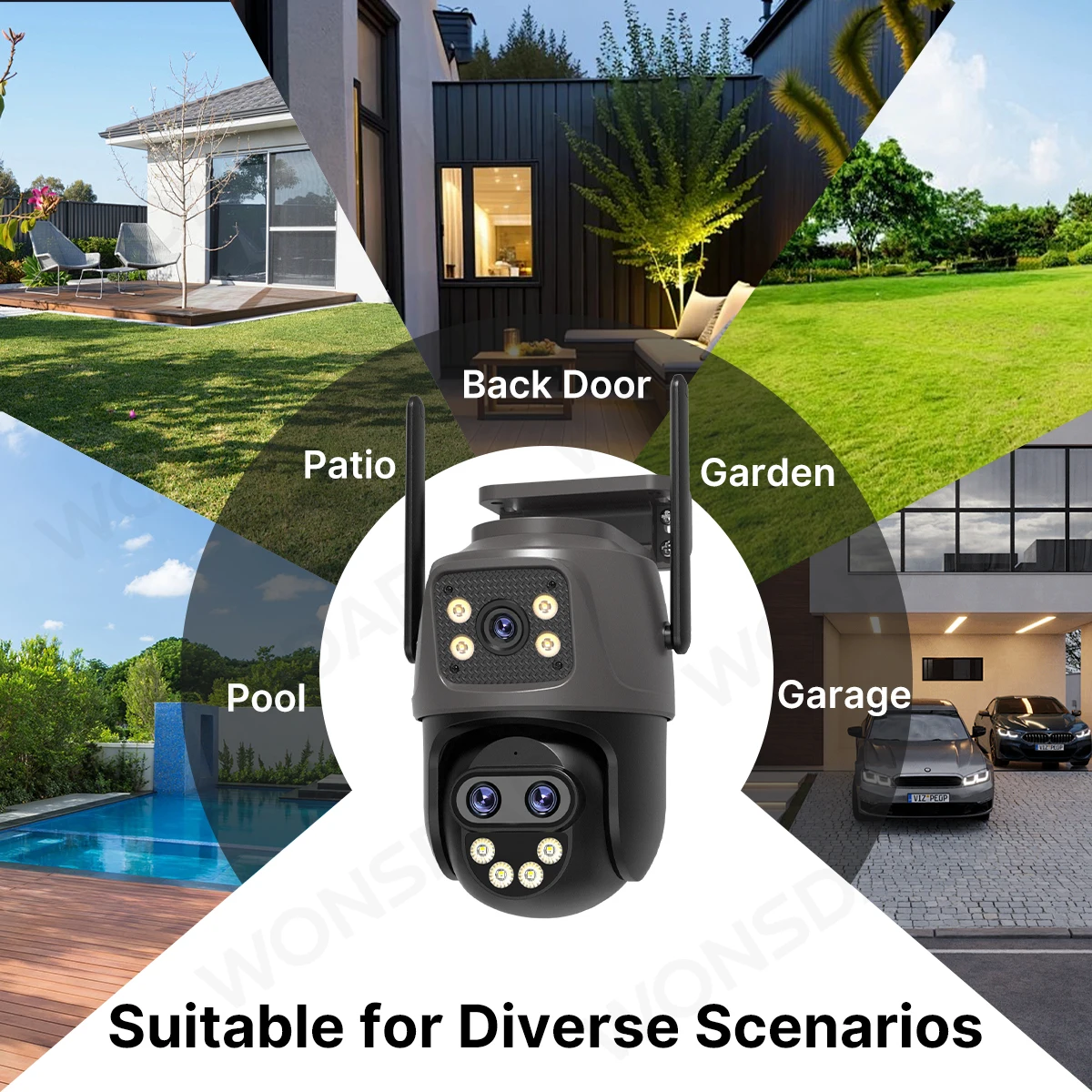
Scene: Indoor and outdoor
Sensor: CMOS
Sensor Brand: SmartSens
Shell Material: Plastic
Smart home platform: alexa
Special Features: Waterproof / Weatherproof
Style: Dome Camera
Supported Mobile Systems: Android,iOS
Supported Operating Systems: Windows 7,macOS,Windows 8
Video Compression Format: H.265
Viewing Angle : 85°
Whether or Not 50Vac or 75Vdc or Higher Power Supply: No
Zoom: NONE
Zoom type: None
is_customized: Yes
WONSDAR Three Lens Dual Screens HD WIFI IP Camera
Note:
This link contains two different cameras.
Two different cameras for sale
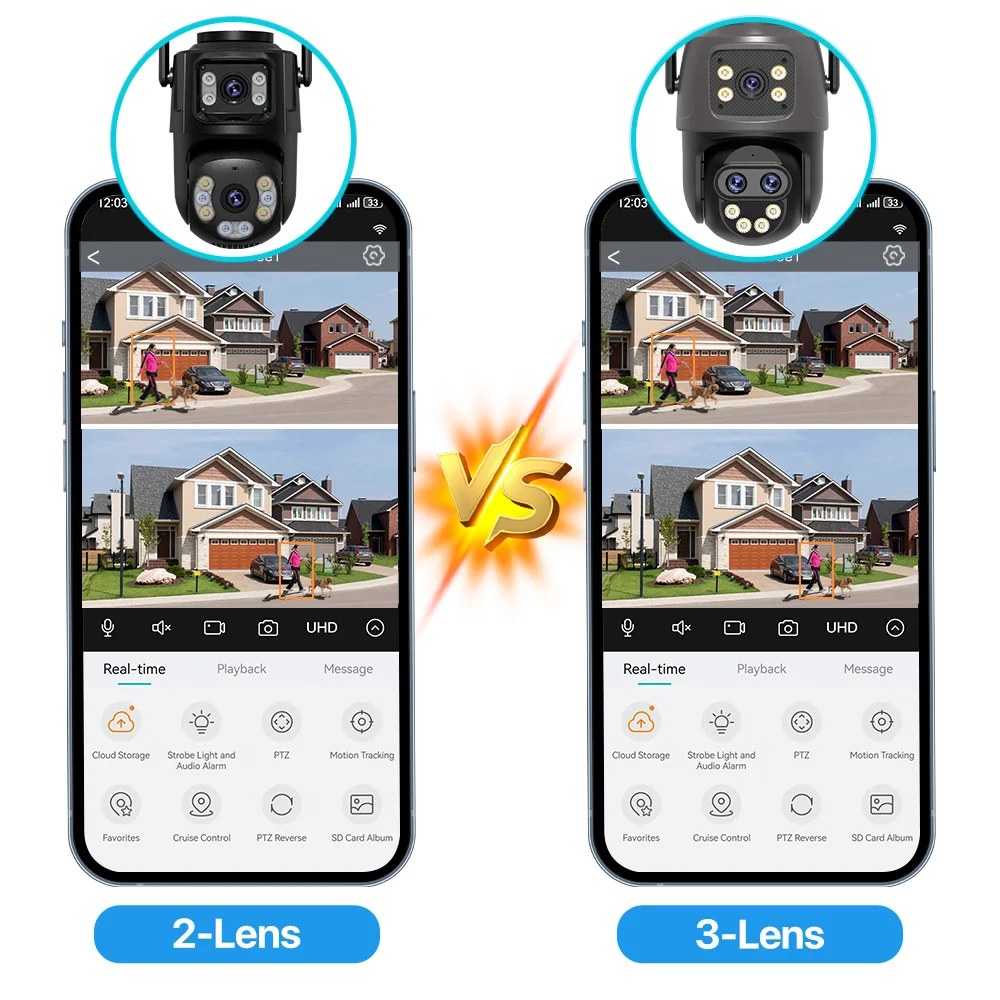
3-Lens 2-Screen
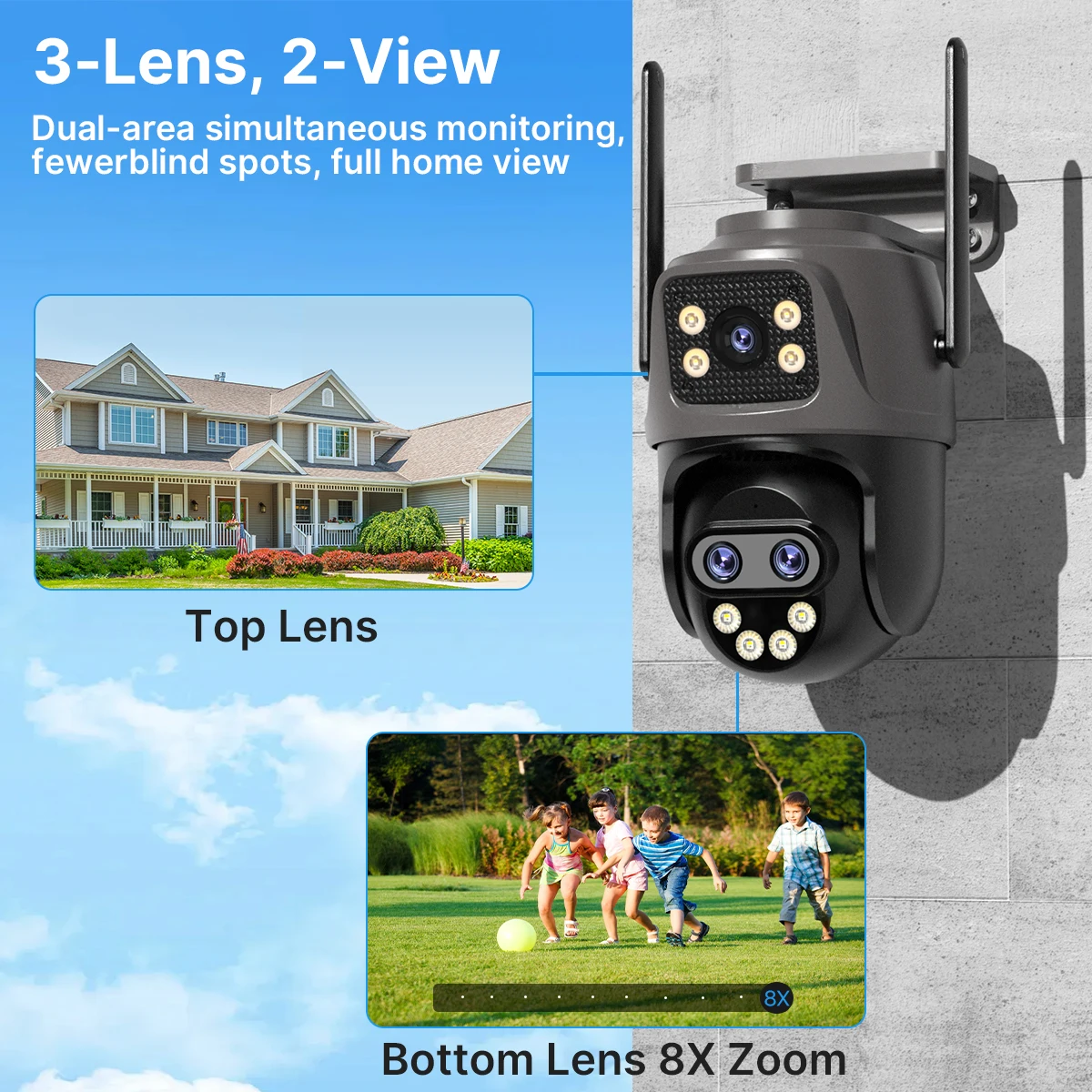
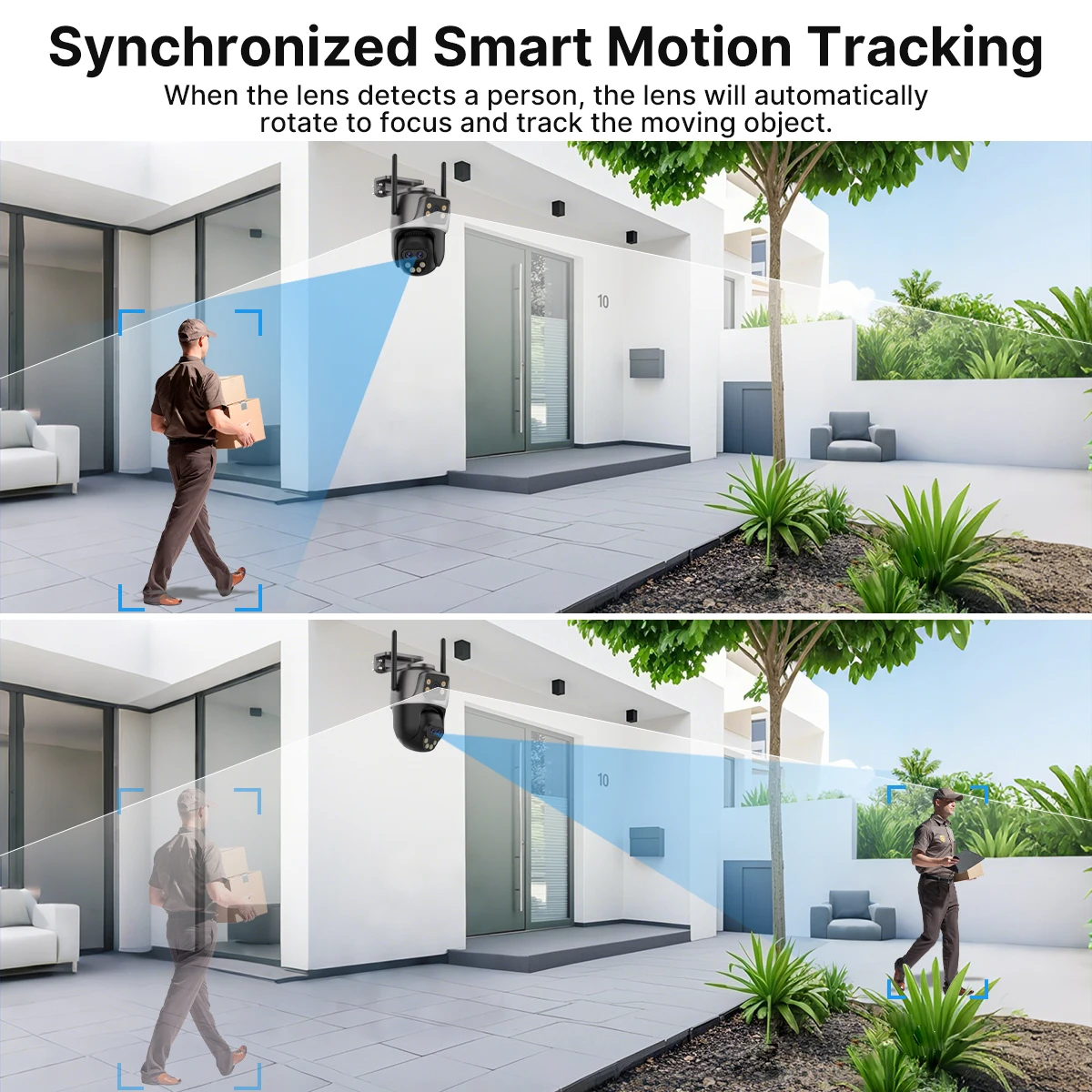
2-Screeen Auto tracking
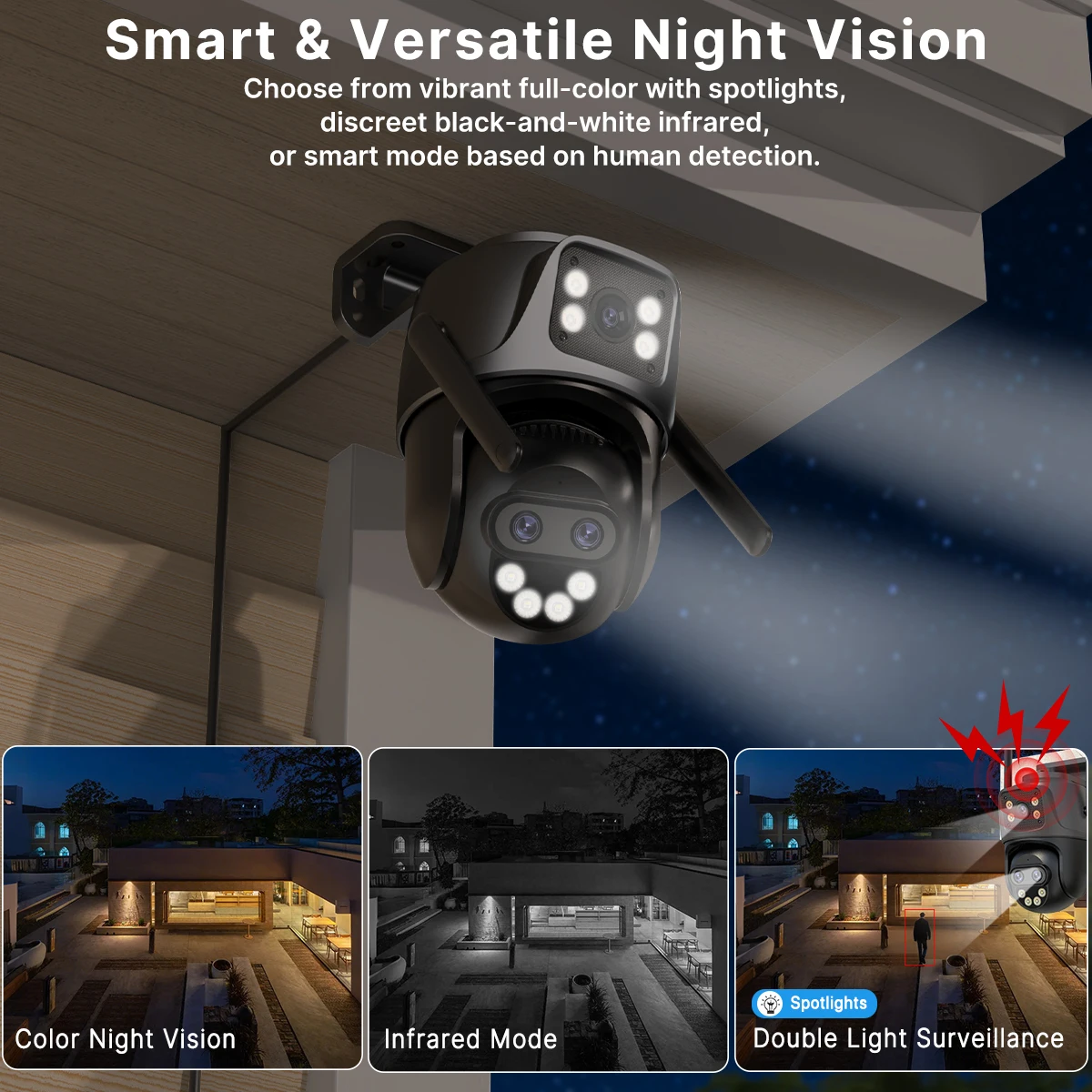
Smart Night Vision, Three-Light Modes for Clear Night Surveillance
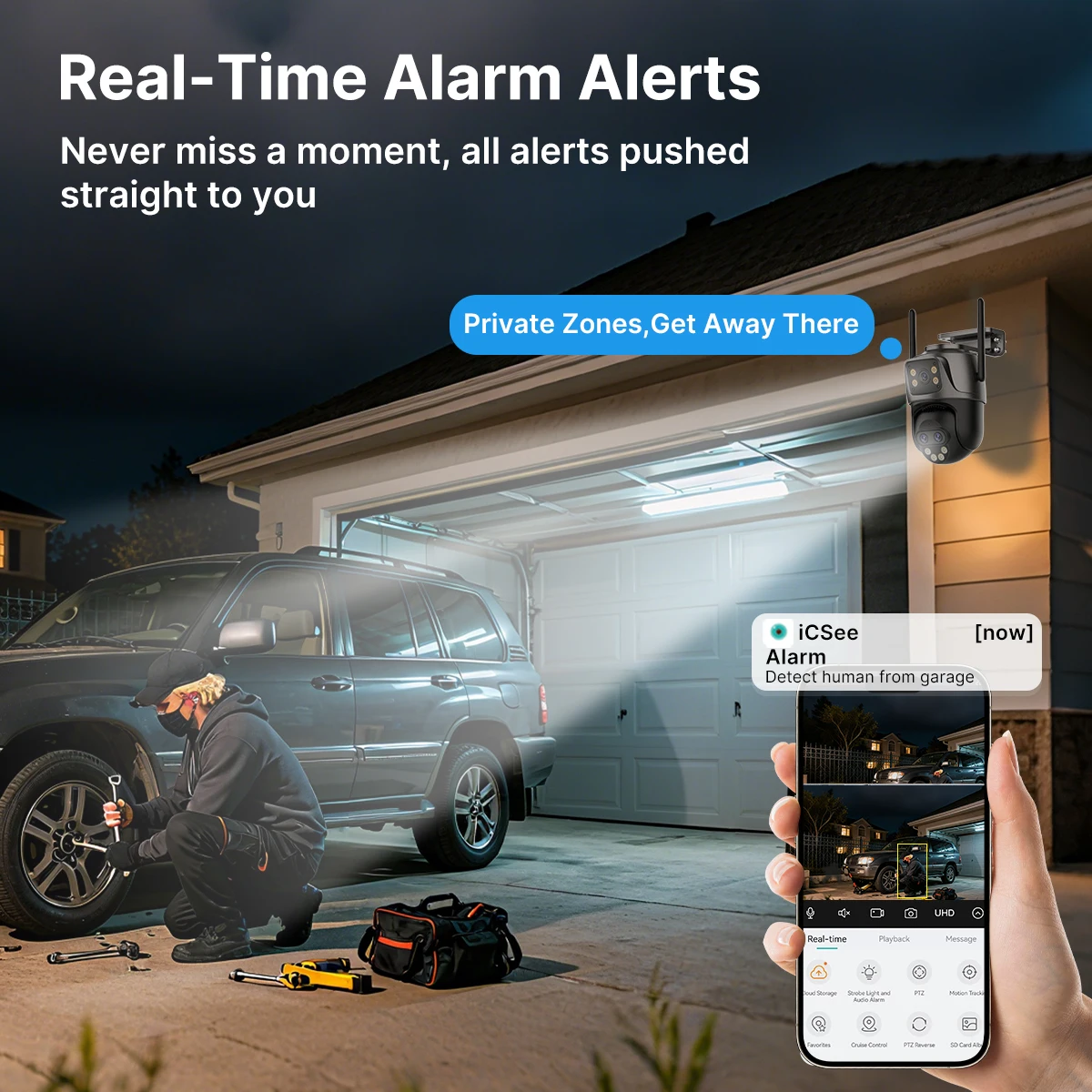
Property Protection with Multi-Alarms
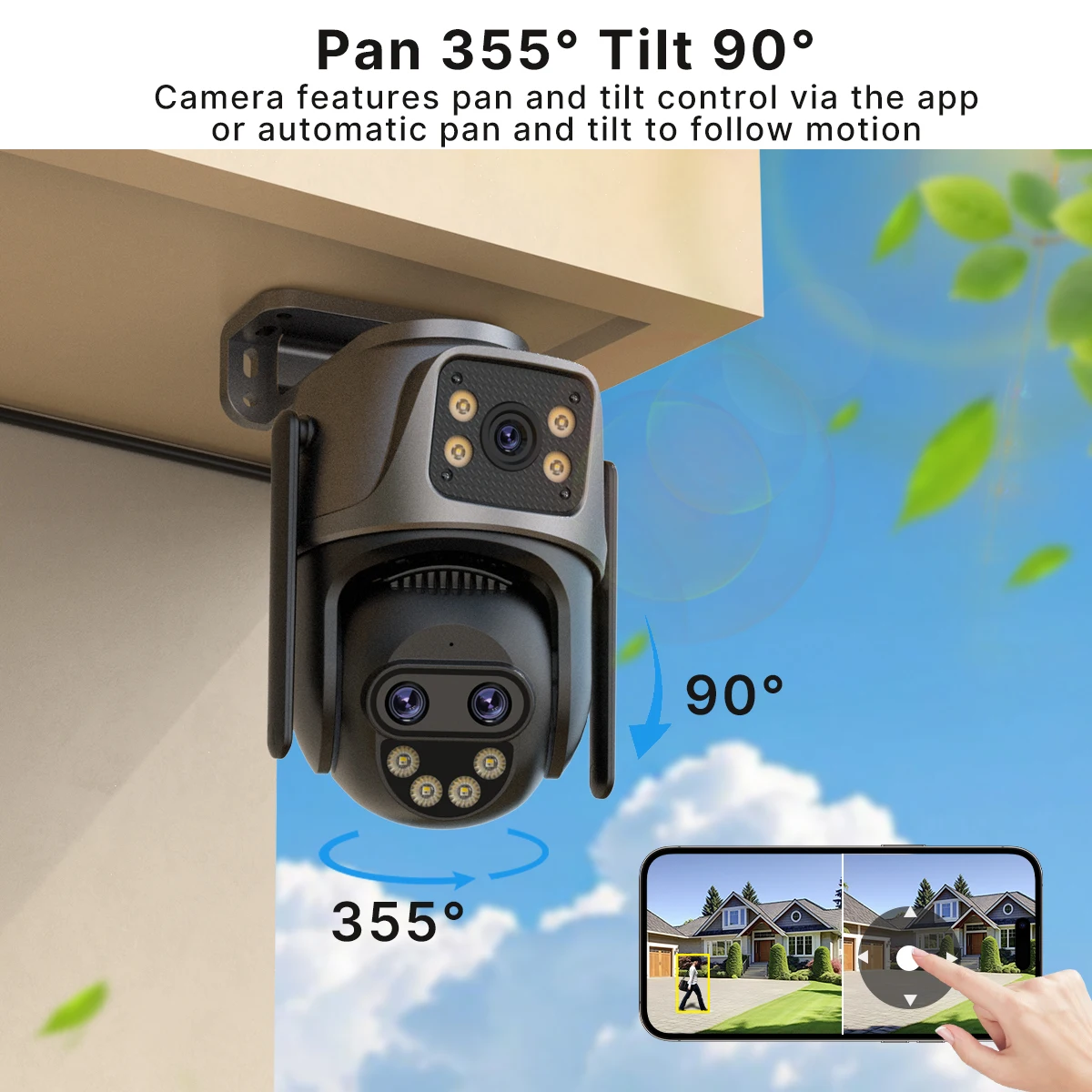
360°Coverage for Your Home
Waterproof IP66
You might need to buy such a extention cable, please click on the picture below to learn about the product.

Smoother 2-Way Audio, Real-Time Two-Way Communication
Support SD card & cloud service (Need to pay)
Wired connection & Wireless connection
Suitable for Diverse Scenarios
Free from Installation Limits
Pruduct detail
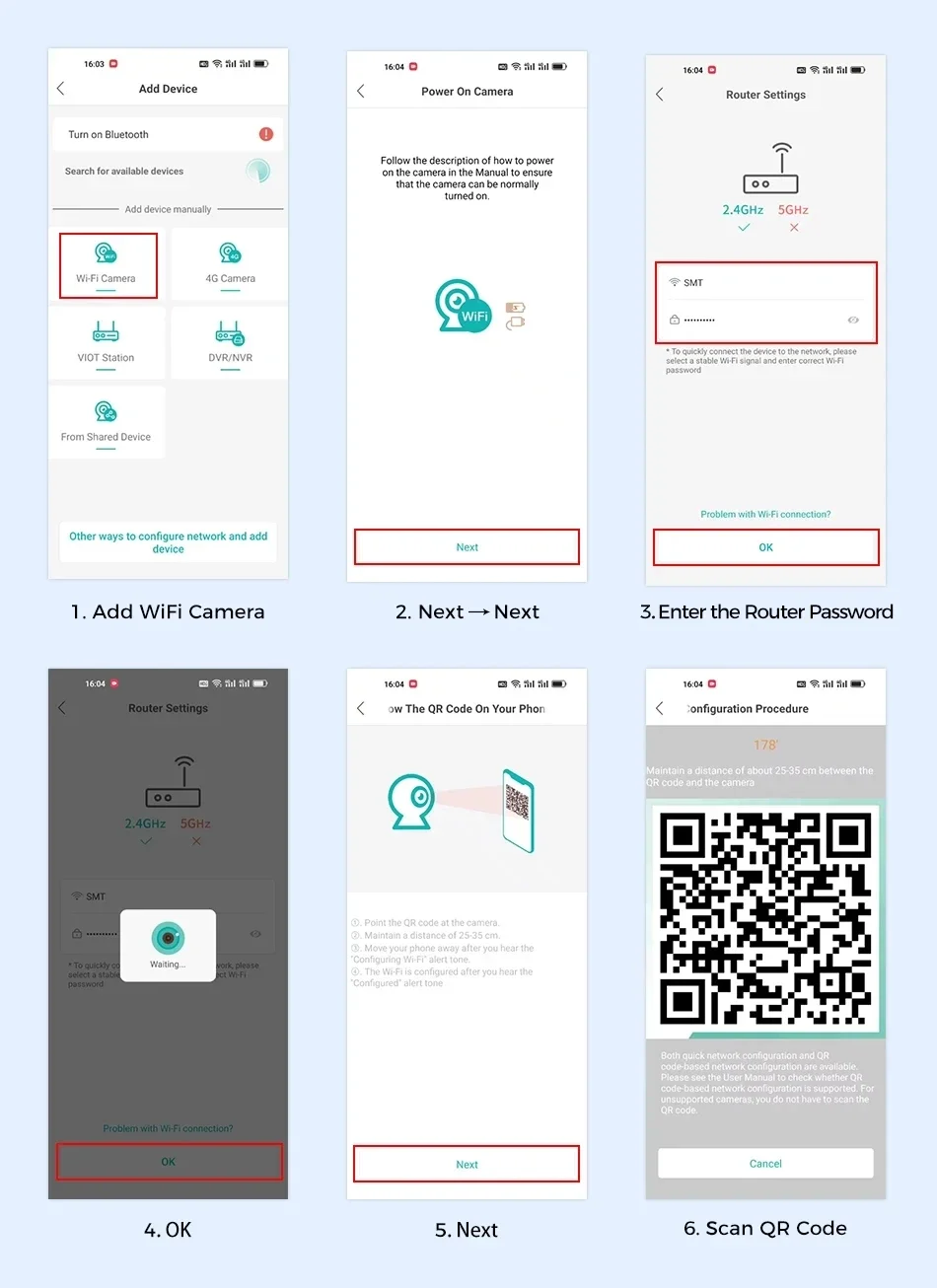
How to Configure the Camera in the iCSee App
① Download icsee app from Google Mall or other software malls
② There is a reset button at the bottom of the camera. Press and hold the reset button for 10 seconds. When you hear the sound of a successful reset, the camera has been reset successfully.
③ Connect the camera through the 2.4Ghz Wifi network band, follow the 6 steps in the picture to connect, and you can configure it successfully.
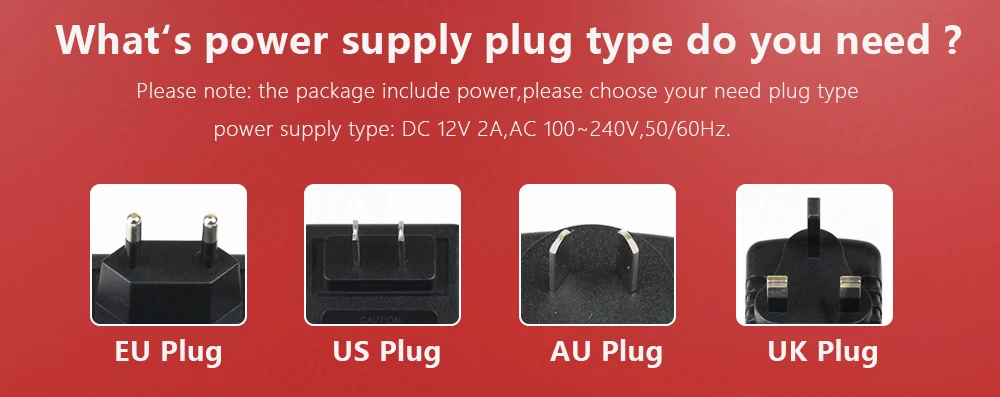
What's power supply plug type do you need ?